That M-Pesa Payment Prompt Doesn't Prove the Seller Is Legit

An M-Pesa payment prompt can be genuine even when the seller's promise is not. Before you enter your PIN, check who is receiving the money and whether you have enough reason to trust them with your order.
Picture this: you find a phone on Instagram at a price that finally fits your budget. The seller answers quickly, promises delivery tomorrow and sends a payment request. The familiar prompt appears on your phone. It feels like the last step in a normal purchase.
But you still have not seen the phone. You may not know where the seller operates, what happens if the item is faulty, or why the payment goes to a different business name. The prompt has made paying easier. Those questions still need answers.
With Black Friday here on 27 November 2026 and Christmas shopping ahead, this is a useful moment to slow down. In its 9 November consumer complaints update, the Communications Authority of Kenya included impersonation, fake promotions and online scams among concerns reported between July and September. That report does not measure a Black Friday surge, but the problems it describes are relevant to anyone shopping online.
What an M-Pesa payment prompt actually tells you
An STK Push is the payment request that appears on your phone and asks you to approve a transaction using your M-Pesa PIN. Businesses use it to make checkout easier. Safaricom's Daraja platform provides the APIs that connect M-Pesa payments to websites and apps.
The important distinction is what you are approving: a payment. The prompt does not inspect the product, check the parcel or promise that the seller will deliver tomorrow.
A Paybill or Till number is useful payment information. Treating it as a guarantee of the whole purchase is a step too far. You still need to establish who is selling, what they are offering and how you can reach them afterwards.
Five checks before you enter your PIN
1. Make sure this is the payment you intended
Were you actually checking out when the request arrived? Does the amount match the agreed total, including delivery? Does the payment purpose make sense?
If you cannot connect a prompt to a purchase you initiated, decline it and contact the business through a channel you already trust. NC4's guidance on impersonation and scams recommends checking unexpected requests through an established channel. There is no reason to approve a payment just because someone on a call tells you it is urgent.
2. Read the recipient's name
Compare the displayed recipient with the business you believe you are buying from. If the names differ, stop and establish why before paying.
A shop can trade under a name that differs from its registered name, and some businesses use payment providers. A mismatch alone does not prove fraud. It does mean the relationship needs a credible explanation you can verify independently. A stranger saying "that is our accounts department" is not much evidence.
3. Check the seller outside the advert
Open the retailer's website or marketplace app yourself. Look for consistent contact details, a usable returns policy and feedback beyond the seller's own screenshots.
Kenya's National Computer and Cybercrimes Coordination Committee, NC4, recommends checking the seller and payment details before buying. A polished page or large following is not enough on its own.
For an expensive phone or laptop, consider a seller whose premises you can visit. If inspection before payment is offered, confirm what you are allowed to check and when payment becomes due.
4. Get the purchase terms in writing
Ask for the exact model, condition, included accessories, delivery charge, delivery date and warranty terms. "Samsung phone, good condition" leaves too much room for disagreement.
For example, ask: "Is this the 256 GB model? Is it new or refurbished? Who handles a fault, and how long do I have to report it?" Clear answers help you decide whether the deal is worth taking. They also give you something specific to refer to if the delivered item differs.
5. Keep the transaction within the agreed process
If you found the item on a marketplace, check its buyer protection terms before moving the conversation or payment elsewhere. NC4 advises keeping purchases within a platform's protected process where available and checking what that protection actually covers.
Save the advert, order details and payment confirmation. Those records are more useful than trying to reconstruct a disappearing conversation later.
Be careful when the story changes after payment
You pay for an item, then receive a message demanding another fee to release the parcel. Or someone offers a refund but asks you to approve another debit first.
Pause and check the new request with the retailer or courier using contact details you found independently. NC4's shopping guidance warns about fake delivery charges and refund requests that involve another payment or disclosure of your PIN.
An ordinary delivery address is one thing. Giving a seller your M-Pesa PIN, a one-time code or remote access to your phone is another. Keep those details private.
Already paid and something looks wrong?
Act promptly, but do not send more money to fix the first payment.
Contact your mobile-money provider through its official support channel. Explain what happened, provide the transaction reference and ask which fraud, dispute or reversal options apply. Keep the case number. Contact the marketplace through its verified support route too, if one was involved.
Save the original payment message, chats, seller's profile or website address, advert and a short timeline. If you suspect a crime, report it to the police and retain the report reference.
NC4's scam recovery guidance stresses prompt reporting and preserving evidence. It also warns about people who promise to recover lost money in exchange for an upfront payment. Reporting quickly can help, but recovery is not guaranteed.
What legitimate businesses should make clear
Customers should not have to guess why your checkout shows a different name. Tell them who takes the payment, connect it to a clear order reference, and provide a working support contact.
Send an order confirmation that separates payment received from order dispatched. If delivery changes, explain it through your established channel. These are small details, but they give a customer something more useful than "trust us".
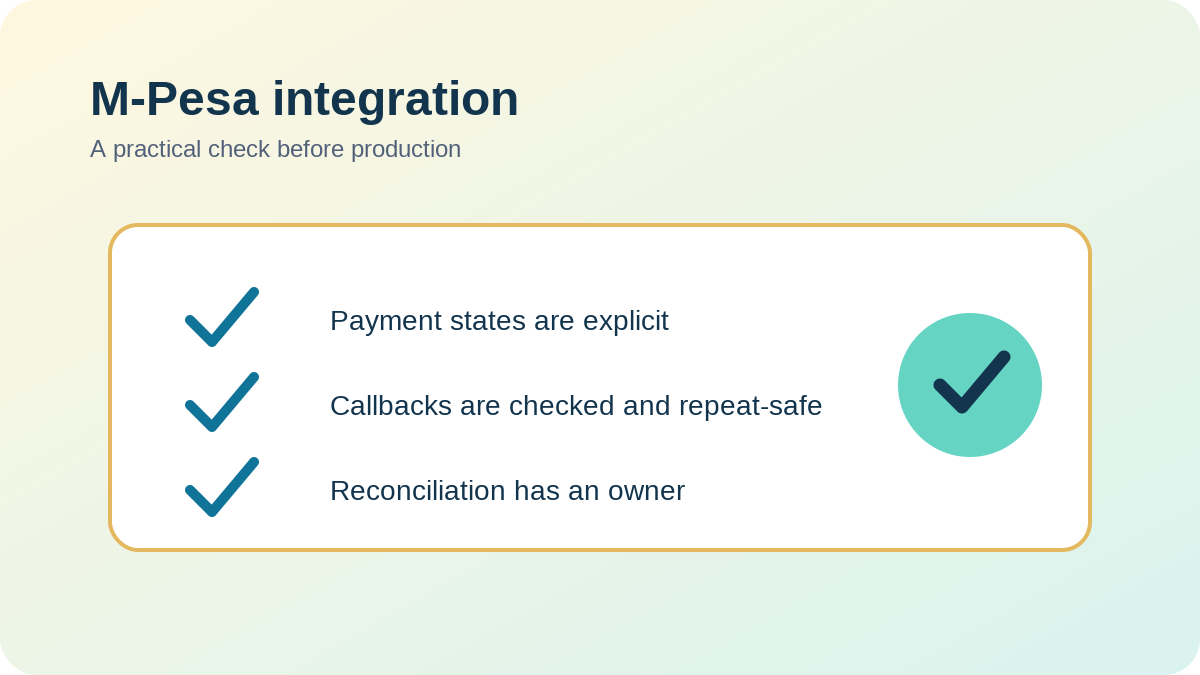
Behind the checkout, your system also needs to match payments to the right orders and handle uncertain results. Statum's M-Pesa callbacks and reconciliation guide explains that engineering work. Our M-Pesa pre-production checklist covers the checks to complete before customers depend on the flow.
If your business needs help connecting checkout, order tracking and payment records, talk to Statum. Bring the workflow you want to improve and the problems your customers encounter.
Common questions about M-Pesa shopping safety
Does an STK Push prove a seller is legitimate?
No. It is a way to request payment. You still need to check the seller, recipient and purchase terms before approving it.
Is a different Paybill name always a scam?
No. There can be a legitimate explanation, such as a registered business name or payment provider. Verify the relationship independently before proceeding.
Can I always reverse a payment if goods do not arrive?
No. Contact your provider promptly to establish the options for that transaction. Do not make a purchase on the assumption that a reversal will be available.
Before your next online purchase, take a moment to answer three questions: who am I paying, what exactly am I buying, and how will I resolve a problem? If any answer is unclear, get it clarified before entering your PIN.
Sources checked on 27 November 2026. The opening scenario is hypothetical. Images are illustrative and do not show an actual transaction or fraud incident.
A practical next step
Need help applying this to a real system?
Statum can help turn the idea into a scoped piece of work. See our software services, browse completed projects, read the developer documentation, or start a project conversation.
Bob Mwenda
Bob Mwenda is a software engineer at Statum with over ten years of experience building business applications and integrating enterprise systems. His work spans Java, Spring Boot, PHP, Laravel and Vue.js, including API integrations, payment and messaging systems, and application deployment. On the Statum blog, Bob writes about software development, business automation and the practical decisions behind building and maintaining software. His articles help business owners and developers understand implementation options, technical trade-offs and common pitfalls.