How to Deploy Laravel with GitHub Actions and SSH
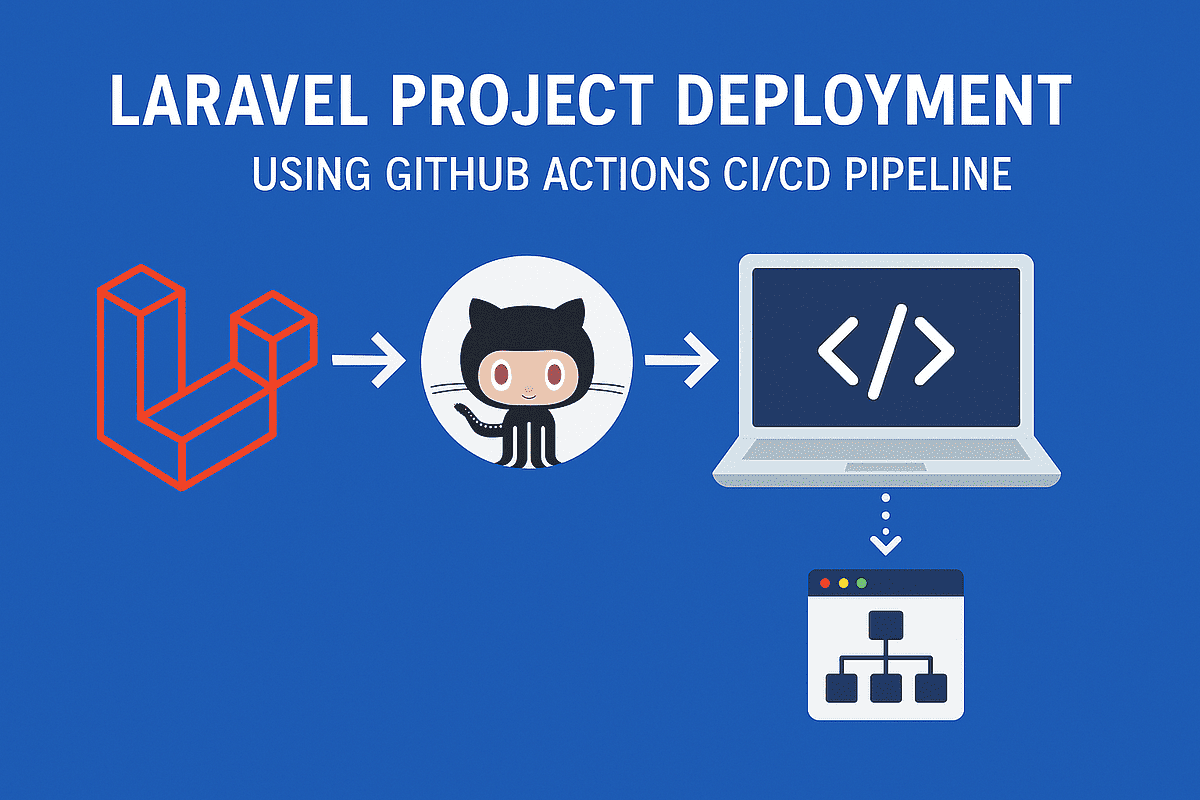
A Laravel deployment should be repeatable, reviewable, and easy to recover when something goes wrong. That means testing the change before it reaches the server, protecting production credentials, handling database changes carefully, and checking the application after the release.
This guide covers a practical GitHub Actions and SSH workflow. It does not describe zero downtime. An in-place deployment can show a short maintenance response while the live files are changed. If uninterrupted availability is required, use the release directory approach below.
Separate verification from deployment
A useful workflow has two jobs:
- Verify the commit in a clean environment.
- Deploy only when verification succeeds.
The verification job should check out the triggering commit, install the supported PHP and JavaScript dependencies, build frontend assets, and run the application tests. Use the same PHP, Node, and lockfile versions that the production application supports. A green build on a different runtime is not enough evidence.
The deployment job can then connect to the server, fetch the approved commit, install production dependencies, run compatible migrations, refresh caches, and perform a health check. Keeping the jobs separate makes it clear whether a failure happened in testing or on the server.
Protect the server and its secrets
Use a dedicated deployment account instead of root. Give it only the permissions required to update the application, write shared storage, run approved Artisan commands, and restart the workers that the application uses. The exact owner and group settings depend on Nginx, PHP-FPM, and the process supervisor, so confirm them on the server before changing permissions.
Keep the production .env file outside the repository checkout or in a shared location that is not replaced by every release. Never commit it or private SSH keys. GitHub Actions secrets are designed for credentials a workflow needs without exposing them in source control. Review the GitHub Actions secrets guidance before adding a key.
Add a small health endpoint that confirms the application can serve a request. It should not reveal credentials, exception details, or private operational data. If the application depends on a database or queue, decide whether the health check should verify those dependencies as well.
Choose the deployment model
In-place deployment
The simplest model updates the live directory. Laravel can be placed in maintenance mode while files, dependencies, migrations, and caches are changed. This is straightforward, but visitors may see a maintenance response. It is not zero downtime.
If this is the right trade-off for the application, do slow work such as dependency installation and asset compilation before the maintenance window where possible. Use shell failure handling that attempts to bring Laravel back up if the script exits early. Always request the site after deployment so a successful SSH command is not mistaken for a healthy release.
Release directories
For applications that must remain available, build each release in a new directory such as releases/20260917-120000. Keep .env and persistent storage in shared paths. Install dependencies, build assets, and run checks in the new directory. Configure Nginx to serve a stable current symlink, then switch that symlink after the release is ready.
This limits the time spent switching versions and gives the team a previous release to return to. It needs a careful one-time server setup. Check document roots, storage links, queue workers, scheduled tasks, permissions, and database compatibility before changing a live application.
Treat migrations as part of the release
Application tests can pass while a migration still causes a production problem. For important changes, use an expand-and-contract sequence:
- Add the new column or table without breaking the current release.
- Deploy code that can work with both database shapes.
- Backfill data in a controlled way.
- Remove the old structure only after it is no longer used.
Run php artisan migrate --force only as a reviewed production step. Consider locks, data size, backward compatibility, and rollback before automating it. Reverting application code does not safely undo every data change.
Refresh caches and restart workers
After the code and configuration are in place, rebuild the caches used by the application. Check the Laravel deployment documentation for commands that match the Laravel version in use rather than copying an older workflow.
Queue workers keep old code in memory. If queues are used, restart workers in a way that allows current jobs to finish and confirm that the process supervisor brings them back. A queue restart command is not a replacement for a supervisor.
Verify and roll back
After deployment, check the health endpoint, homepage, and one important public or authenticated path. Inspect the HTTP status, application logs, web server logs, workers, scheduled tasks, and built assets. A release identifier in an internal log can help the team identify which version answered a request.
Write the rollback steps before the first automated deployment. With release directories, rollback normally means switching current to the last known-good release and restarting affected workers. With an in-place deployment, keep a tested backup and document the files and data changes that can be restored.
A short deployment checklist
- Tests and frontend builds are required before production deployment.
- The workflow runs only from the intended branch.
- Secrets do not appear in logs.
- The deployment account is not root and has limited access.
- The production .env file is preserved.
- Migrations are compatible with the previous release.
- Health checks run after activation.
- Worker and scheduler behaviour is understood.
- A failed command cannot leave Laravel in maintenance mode.
- Rollback steps have been tested.
Automation is useful because it makes a release repeatable. The best workflow is the one whose checks, availability trade-offs, and recovery steps are clear to the whole team.
Need help reviewing a Laravel deployment?
Statum helps businesses plan and build reliable software systems, integrations, and deployment workflows. Talk to Statum if you need help reviewing an existing Laravel application or preparing it for production.
A practical next step
Need help applying this to a real system?
Statum can help turn the idea into a scoped piece of work. See our software services, browse completed projects, read the developer documentation, or start a project conversation.
Bob Mwenda
Writers and software engineers at Statum sharing insights on cloud infrastructure, backend services, mobile apps, and developer productivity.