When Does Your Business Need Custom Software?
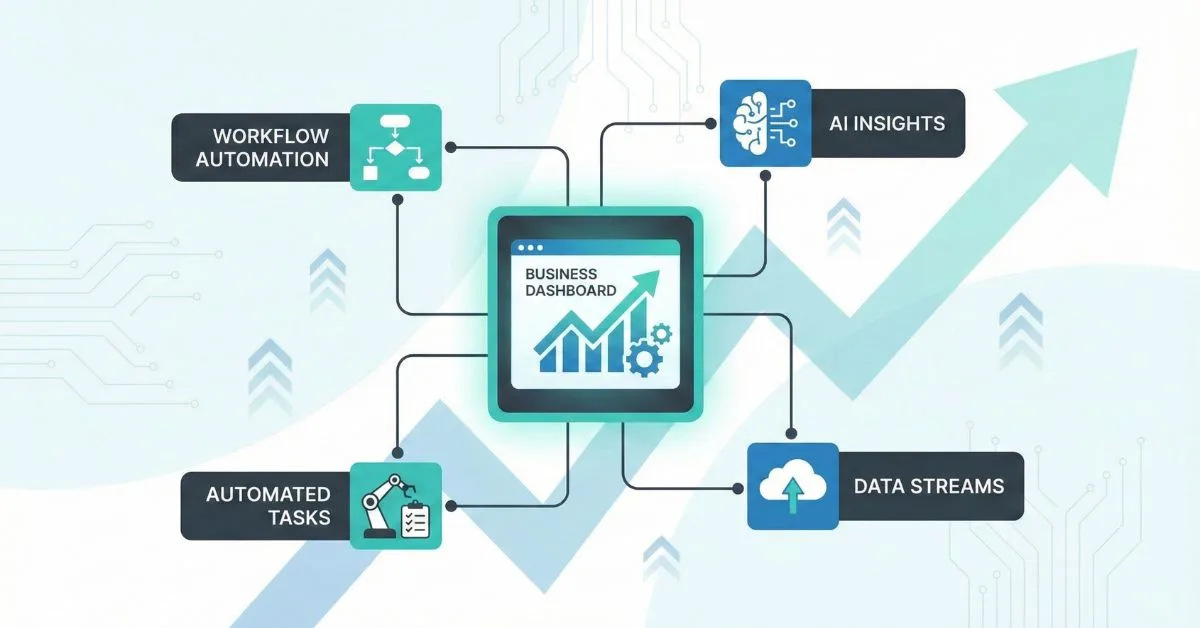
Custom software is a serious option when a business has a stable, important process that existing products cannot support well enough. It is not the automatic answer to too many spreadsheets, nor is replacing a tool the same as improving the work. Compare four paths against the same requirements before deciding.
Last updated: September 19, 2026.
Compare the options
| Path | Choose it when | Check before committing |
|---|---|---|
| Improve the process | Rules are unclear, approvals are redundant, or the work is inconsistent | Agree on one owner, remove unnecessary steps, and measure the revised process before buying or building |
| Configure an existing product | The workflow is common and the product can meet the required controls with reasonable configuration | Test the real exceptions, permissions, reporting, data export, support, and total cost over the period you expect to use it |
| Integrate current systems | Each tool is useful, but people repeatedly copy records or cannot see a reliable end-to-end status | Confirm which system owns each record, how failures and retries are handled, and who operates the connection |
| Build custom software | A stable, business-critical workflow or control is not served by available products and integration cannot close the gap | Validate the unique requirements, data access, delivery owner, budget, ongoing support, and exit or handover plan |
A custom build means the business takes responsibility for a system that must be secured, maintained, backed up, supported, and adapted over time. Include that ownership cost alongside implementation when comparing options.
Use evidence from the work
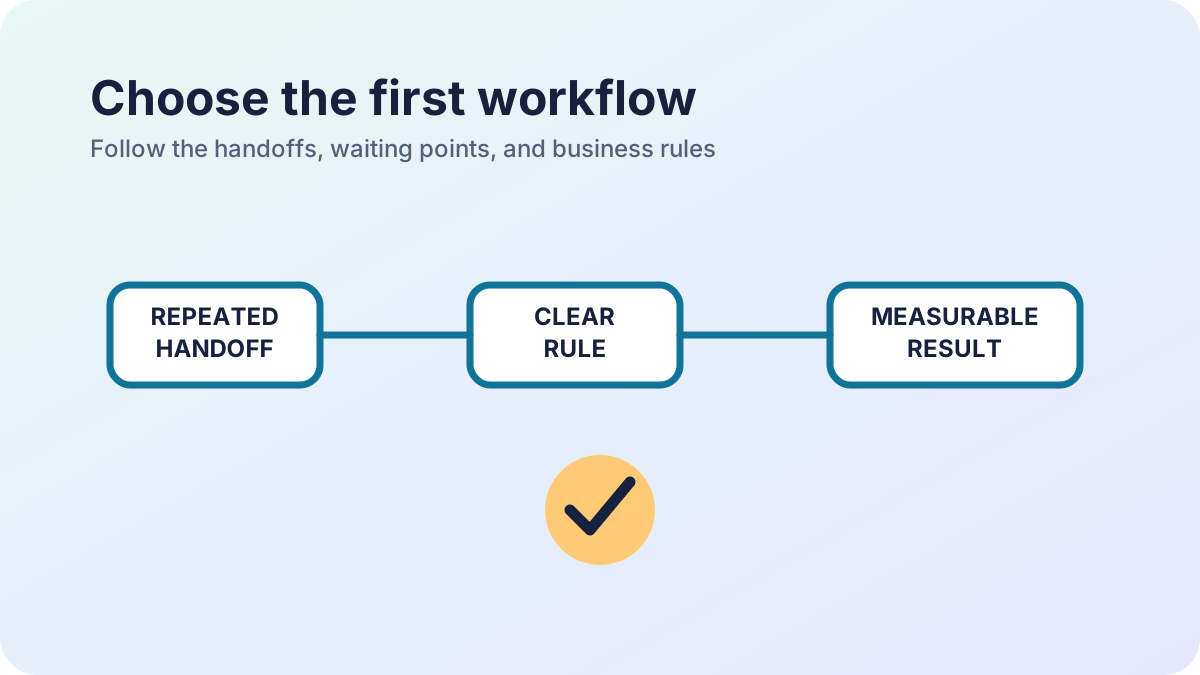
Trace one representative request from start to finish. Record where information is duplicated, where work waits, which decisions require approval, which system holds the authoritative record, and what happens when the normal path fails. Ask the people doing the work and the person accountable for the result to agree on the map.
Measure a baseline before promising a benefit. Depending on the process, that could be elapsed time from request to completion, manual handoffs, correction rate, or staff time spent preparing a report. Choose a definition the team can collect again after a change. Do not invent a saving or rely on a demo that skips your real exception cases.
For a shortlist across several processes, the workflow selection guide shows a weighted way to compare problem cost, rule clarity, benefit, and readiness.
Know when to wait
Pause a custom build when the rules keep changing, the process is rare, nobody owns exceptions, required information is unreliable, or the business cannot yet name who will approve and support the release. First clarify the policy, clean the source records, assign an owner, or trial an existing tool on representative cases. A short discovery effort can reveal that the best next step is process improvement or configuration.
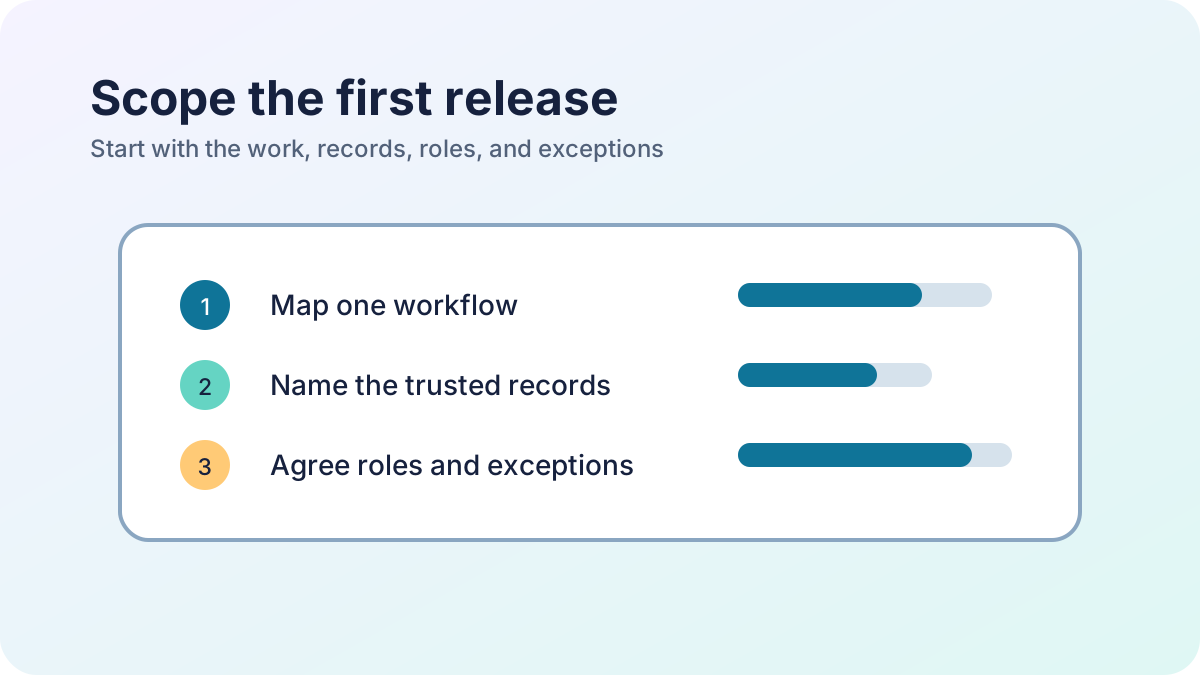
If no existing product meets a verified need, bound one process and one useful release. State the included users, records, permissions, integrations, exception paths, reporting, migration, and operational handover. Name what is out of scope and who approves changes. The custom software scoping guide includes a hypothetical brief and acceptance checks to adapt.
Treat AI as a capability, not the decision
AI may help with a narrow task such as sorting enquiries or drafting a summary, but it does not decide whether the business needs a new system. First confirm the process, approved information source, expected error handling, privacy and access rules, and the person who reviews uncertain results. Keep permissions, financial updates, and other consequential decisions under explicit application rules with an accountable human review path.
Make a decision you can revisit
Write down the options considered, the requirements each meets or misses, estimated setup and ongoing costs, dependencies, risks, and decision owner. If choosing custom software, connect each requirement to an acceptance check and a measure of the original problem. Review the decision after the first release has been used and supported; expand only when evidence shows what the next problem actually is.
ERP software and workflow automation
A practical next step
Need help applying this to a real system?
Statum can help turn the idea into a scoped piece of work. See our software services, browse completed projects, read the developer documentation, or start a project conversation.
Bob Mwenda
Bob Mwenda is a software engineer at Statum with over ten years of experience building business applications and integrating enterprise systems. His work spans Java, Spring Boot, PHP, Laravel and Vue.js, including API integrations, payment and messaging systems, and application deployment. On the Statum blog, Bob writes about software development, business automation and the practical decisions behind building and maintaining software. His articles help business owners and developers understand implementation options, technical trade-offs and common pitfalls.