How to Choose a Business Workflow to Automate First
Use this as a decision framework, not a case study or universal benchmark. The weights and scores are illustrative; agree on priorities with the people who own the work, then replace the examples with evidence from your process.
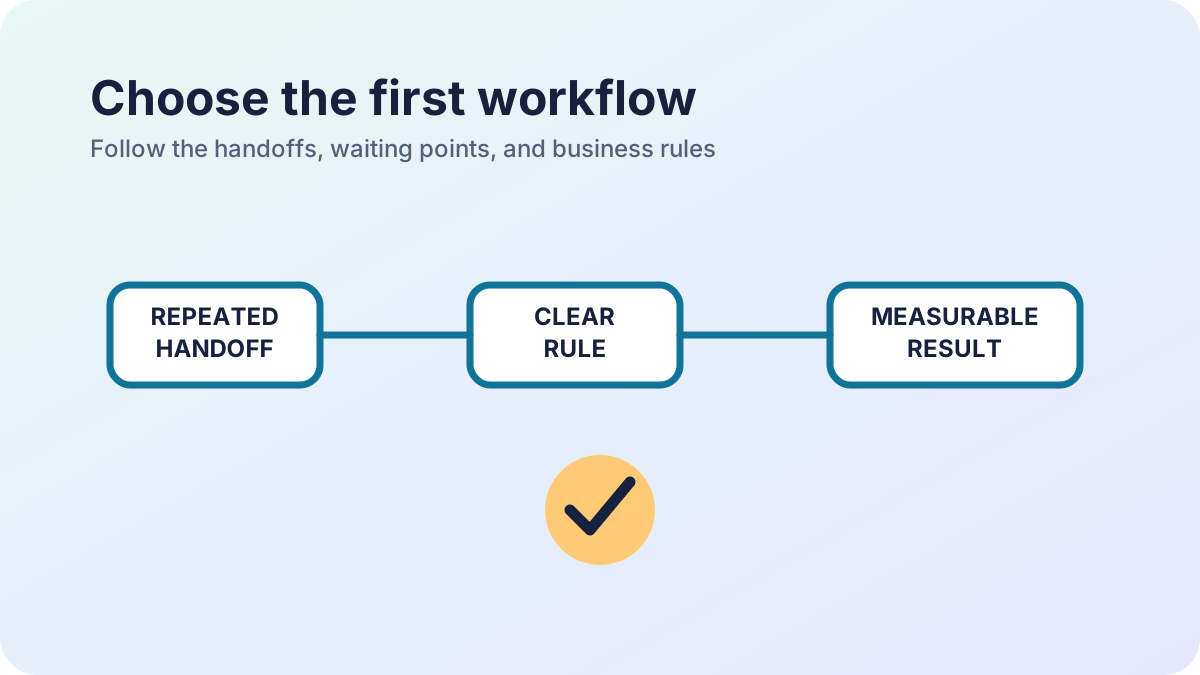
Start with a workflow that has a clear owner, repeatable rules, and a delay or error the team can measure. A visible queue is a better automation candidate than a fashionable feature. Compare a small set of candidates with the people who do and manage the work; use the weighted example below as a method, not as a claim about any particular business. Last updated: September 19, 2026.
Make a shortlist from real work
List recurring requests that cross a person, spreadsheet, email, or system boundary. For each, trace one recent item from its starting point to the outcome. Note who acts, what information they need, where they wait, which system owns the record, and what happens when the normal path fails. Before scoring, ask whether the process is stable enough to automate. If staff use different rules, an approval has no accountable owner, or the source data is unreliable, first agree on the process and repair the records. Automation can make a bad handoff happen faster without making its result better.
Score the candidates
Give each criterion a score from 1 (weak) to 5 (strong). Agree on each score as a team and record the evidence. Calculate the weighted total as the sum of weight × rating, divided by 5; the weights add to 100, so the maximum total is 100.
| Criterion | Weight | What a high score means |
|---|---|---|
| Frequency and volume | 15 | The work happens often; average and peak volumes are understood |
| Time lost and error cost | 20 | Waiting, re-entry, correction effort, or direct error costs create a material burden |
| Consequence of failure | 15 | A missed, delayed, or incorrect outcome has a material effect on customers, cash, or operations |
| Rule stability and ownership | 20 | Steps and exceptions are stable, and an accountable person can decide edge cases |
| Expected benefit and measurement | 15 | A useful change can be measured against a consistent baseline |
| Delivery and data readiness | 15 | Data access and quality are understood, and integration effort and required skills are manageable |
Here is a hypothetical comparison for a small operations team. The ratings are illustrative; replace them with evidence from the actual process.
| Criterion | Weight | Purchase approvals | Invoice reconciliation | Customer onboarding |
|---|---|---|---|---|
| Frequency and volume | 15 | 5 | 5 | 3 |
| Time lost and error cost | 20 | 4 | 5 | 3 |
| Consequence of failure | 15 | 2 | 4 | 3 |
| Rule stability and ownership | 20 | 5 | 3 | 5 |
| Expected benefit and measurement | 15 | 4 | 5 | 3 |
| Delivery and data readiness | 15 | 5 | 2 | 4 |
| Weighted total | 100 | 84 / 100 | 80 / 100 | 71 / 100 |
For purchase approvals, the calculation is (15×5 + 20×4 + 15×2 + 20×5 + 15×4 + 15×5) ÷ 5 = 84. In this example, investigate approvals first because the team has an owner, stable rules, and accessible data. Invoice reconciliation has frequent work and a larger failure impact, but the integration is not ready; resolve that dependency and rescore before committing to a build. The four-point difference is a prompt for discussion, not proof that one process is objectively better. A high failure-impact score signals a need for stronger controls and perhaps a human decision point; it does not mean every consequential decision should be automated.
Check the result before choosing
A high score is a conversation starter, not an automatic approval. Confirm the chosen workflow has an accountable business owner, an agreed source of truth, and a baseline such as median waiting time, number of handoffs, correction rate, or hours spent each week. Choose one measure the team can collect consistently before and after the change. Do not proceed directly to a build when the work is rare, the policy is changing, the required records cannot be accessed lawfully, or nobody owns exceptions. The next step may be removing an unnecessary approval, standardising a form, cleaning the source data, or using a feature already available in the current software. For the first release, define the main states, roles, allowed decisions, audit history, notifications, and recovery path. Write down what happens for incomplete information, a rejection, a duplicate request, and an unavailable integration. The companion custom software scoping checklist turns a selected workflow into a bounded first-release brief.
Review after the first release
Compare the same measure against the baseline after people have had time to use the workflow. Check for work moved elsewhere, new manual corrections, and exceptions that the original process map missed. Expand only when the first workflow is understood, supported, and producing a result the owner can verify.
ERP software and workflow automation
A practical next step
Need help applying this to a real system?
Statum can help turn the idea into a scoped piece of work. See our software services, browse completed projects, read the developer documentation, or start a project conversation.
Bob Mwenda
Bob Mwenda is a software engineer at Statum with over ten years of experience building business applications and integrating enterprise systems. His work spans Java, Spring Boot, PHP, Laravel and Vue.js, including API integrations, payment and messaging systems, and application deployment. On the Statum blog, Bob writes about software development, business automation and the practical decisions behind building and maintaining software. His articles help business owners and developers understand implementation options, technical trade-offs and common pitfalls.